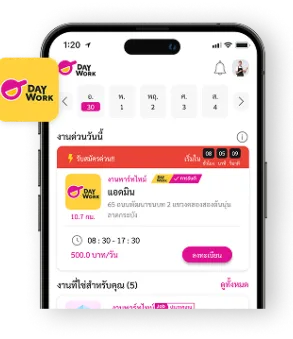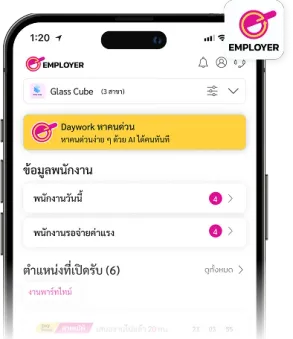
Daywork has put together 5 easy steps for anyone who wants to delete their account on the Application

1. Go to the Profile Menu
After opening the Daywork Application, go to the Profile menu. Look for the gear icon button in the top right corner.
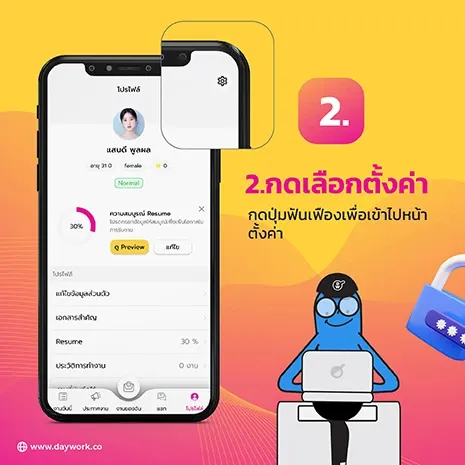
2. Tap the Settings Button
Once you tap the gear icon in the top right, you will see the Delete Account menu option.

3. Select the Delete Account Menu
If you want to delete your account, simply tap the Delete Account menu.

4. Please Read the Warning Message
When you select the Delete Account menu, a pop-up window will appear with the account deletion conditions:
"Your account will be deleted from the system in 7 days. If you want to recover your data, you can log back in no later than xx/xx/xx. After the deadline, your data, work history, and any pending payment transfers from your account cannot be recovered."
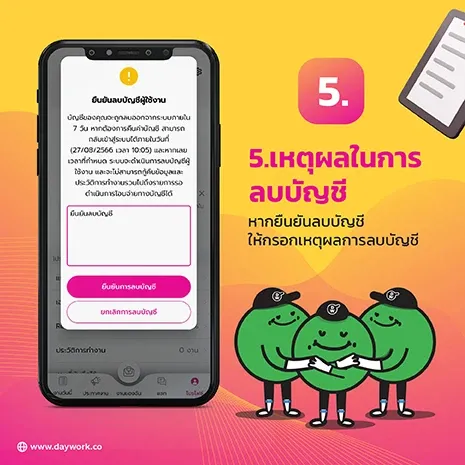
5. Before Confirming, Please Tell Us Why
After reading the message in the confirmation window, enter the reason for deleting your account, then tap Confirm and you're done.

6. What If You Still Have Pending Jobs?
If your account still has active job applications or pending payment confirmations, you will not be able to delete your account at this time.