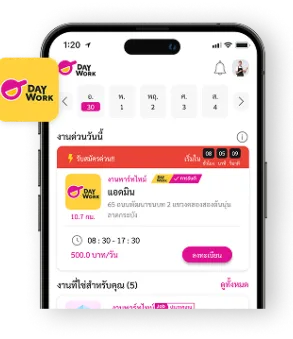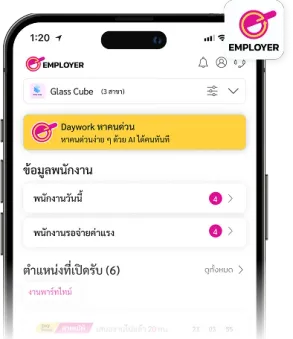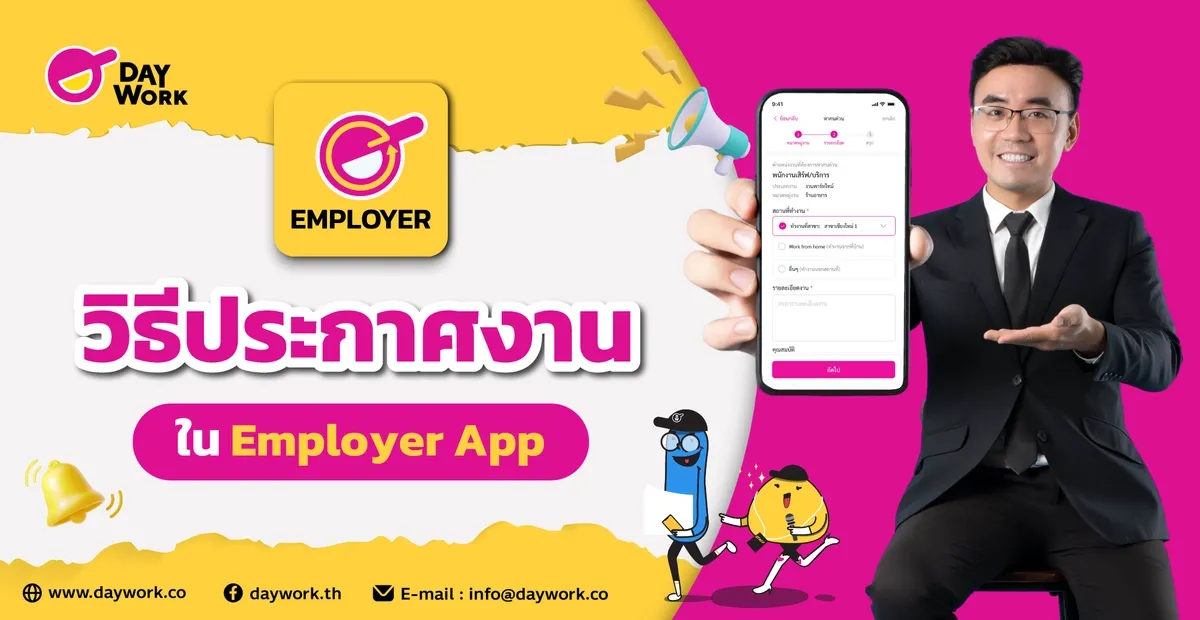
Create a job posting in just a few simple steps and find the right candidate right away. Daywork Employer is designed to be easy to use — fast, convenient, and accurate. Just follow the steps below and you'll be ready to start hiring immediately.
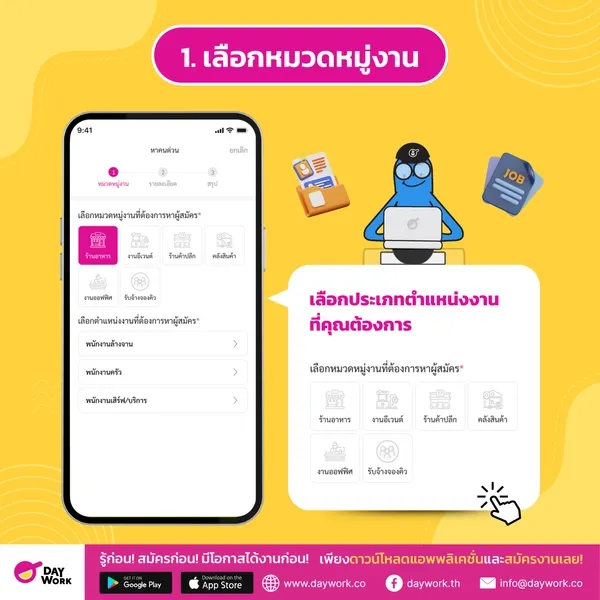
1. Select a Job Category
Choose the type of position you're looking to fill — such as restaurant, events, retail, warehouse, office, queue booking, or any other category. This helps the system match you with the most relevant applicants.
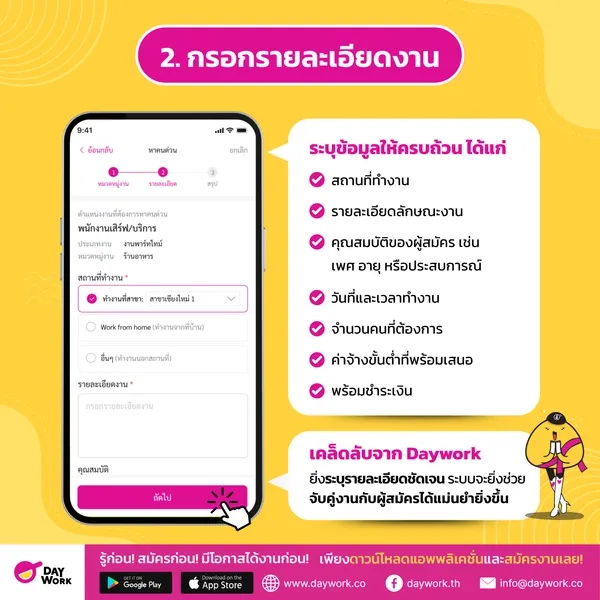
2. Fill In Job Details
Provide complete information including:
- Work location
- Job description
- Applicant requirements (e.g. gender, age, or experience)
- Work dates and hours
- Number of positions needed
- Minimum wage offered
- Payment readiness
Daywork Tip: The more detailed your job description, the more accurately the system can match you with the right applicants.
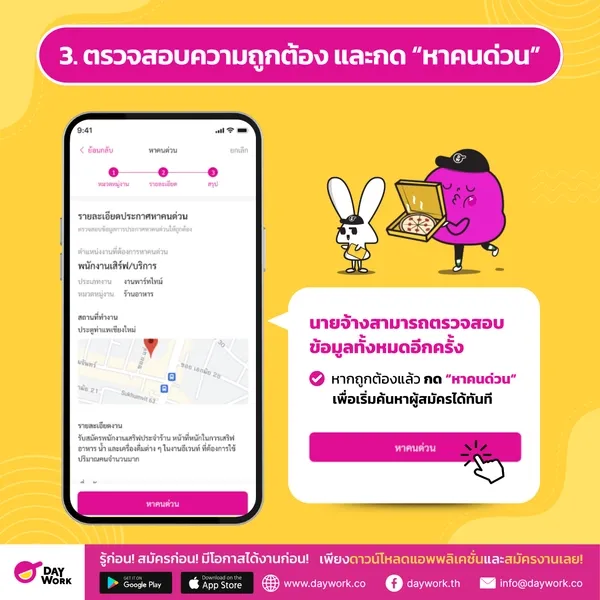
3. Review and Tap "Post Job"
Before submitting, employers can review all the information one more time. Once everything looks correct, tap "Post Job" to start finding applicants right away.
That's it — your job posting is complete, quickly and easily. The moment you post the job, the system immediately starts working behind the scenes, processing data and using AI technology to find and recommend applicants who best match your requirements.
No more spending time manually searching for candidates. The system will notify you instantly when a suitable applicant applies, and display key information to help you make decisions quickly and efficiently.
With a system that handles screening and manages the entire process end-to-end, employers can be confident they won't miss the right person — and can get their team up and running without delay.
This is the convenience that the Employer App delivers — making recruitment easy and on-target for you.